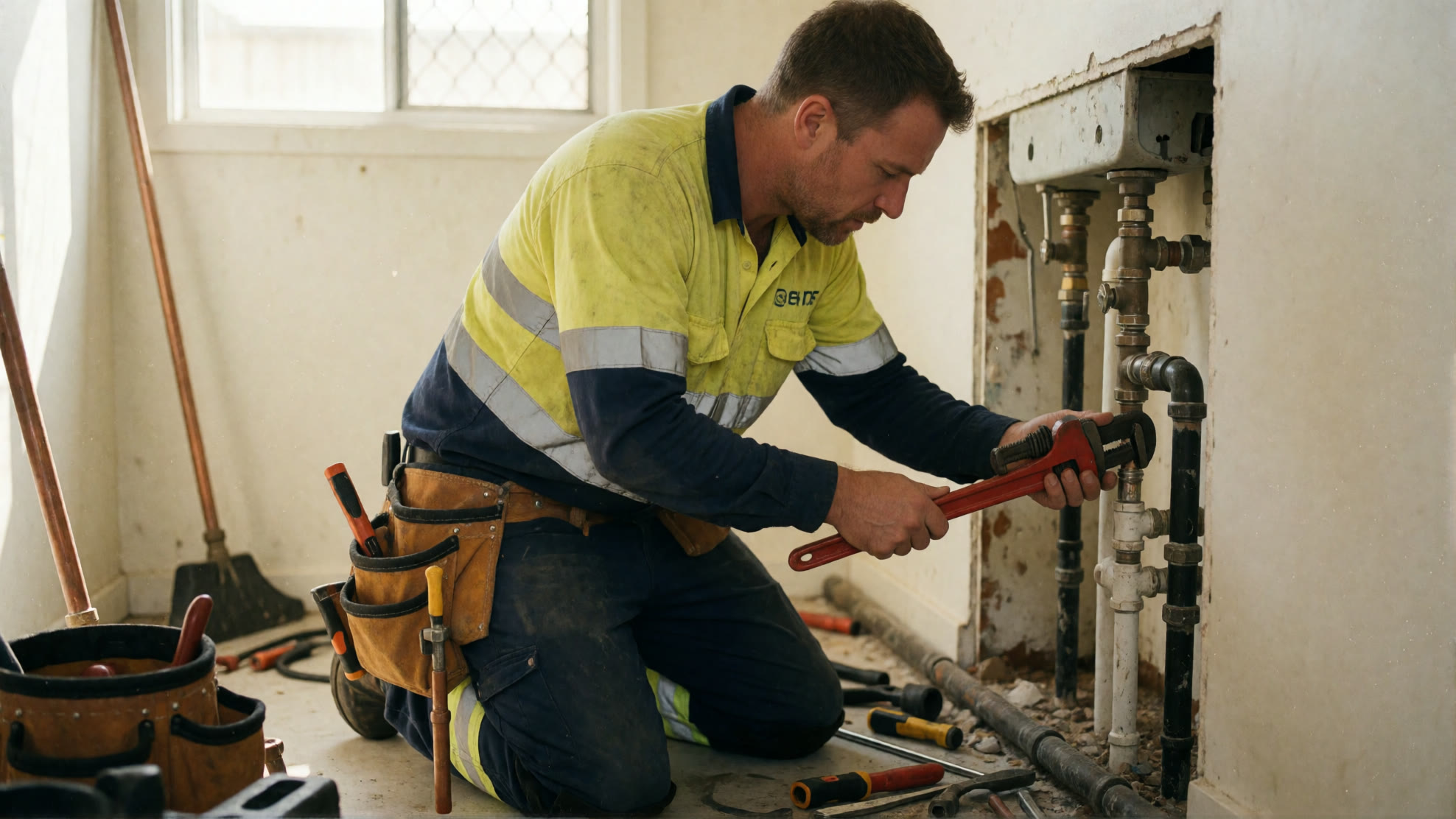
Will Callers Hang Up on an AI Receptionist?
By Frontly
· Updated
Short answer: not when the call is designed well. When callers hang up, the cause is rarely the AI. It is the call: a greeting that runs too long, a phone call that feels like a ten-question form, or no way to reach a person.
The good news is that every one of those is a choice you make when you set up your receptionist. This guide covers the choices that keep callers on the line.
Why callers hang up
- The greeting takes too long. A caller with a burst pipe does not want a welcome speech.
- They can't get a word in. If the greeting cannot be interrupted, a caller who says "hello" and hears nothing back assumes nobody is listening.
- The call becomes a form. Ten questions in a row feels like an interrogation, whoever is asking them.
- There is no way out. Some people simply want a person, and a call with no route to one ends with a hang-up.
When a caller does hang up before the receptionist answers, Frontly sends your team a missed-call alert with their number, so someone can ring them back. Every call is also tagged with its outcome, hang-ups included, so you can see in your call analytics whether a change to the greeting moved the number.
Keep the greeting short
A good greeting does three things in one breath: it names your business, says the caller is talking to your AI receptionist, and asks what they need.
"Hi, you've reached Parkside Plumbing, this is the AI receptionist. Is it a job to book, or something urgent?"
Ending on a question hands the call straight to the caller. Leave out opening hours, promotions and anything a caller did not ring to hear: the receptionist can answer those when someone asks.
Speak word-for-word: when to turn it on
The greeting on Frontly's AI phone answering agent has a setting called Speak word-for-word (instant). It changes how the first seconds of the call feel.
| Turned on | Turned off | |
|---|---|---|
| What the caller hears | Your greeting, delivered instantly and exactly as written | Your greeting, until the caller starts talking |
| If the caller speaks during it | The receptionist listens and answers once the greeting is finished | The greeting stops and the receptionist answers straight away |
| Use it for | A recording notice, or wording your organisation must say in full | Most businesses, where getting to the caller's question fast matters most |
Turn it on when the greeting has to be said in full, such as "calls are recorded for quality and training". Keep that greeting short, because the caller has to wait for the end of it. For everyone else, leave it off, so a caller who jumps in with "I need a plumber" is helped straight away.
Give callers a way to a person
Some callers simply want a person, and that is fine. Let them say "I want to talk to a person" and get one.
Frontly transfers that caller to your team with a short spoken briefing, so they do not repeat themselves, and tries a backup number if the first one rings out. If nobody is free, it takes a message and sends it to your team straight away. Your staff take the few calls that need them, and the receptionist takes the rest. How AI receptionist transfers to a human work covers the options.
Don't turn the call into a form
A phone call is not a web form. The receptionist will ask every question you give it, patiently and in order, but the caller on the other end gets tired after the fourth.
Take the two or three details the call actually needs, such as the caller's name, what they need and how urgent it is. If you need a full new-patient, new-client or application form, send the caller to it:
- Text them the link. When a caller rings from an Australian mobile, Frontly can text the form link during the call. From a landline, it asks for a mobile number first.
- Read out the web address. For callers who would rather look it up themselves.
A short, structured intake form on the call is still the right tool for a handful of questions you always need answered. The test is whether a caller would happily answer them to a person at your front desk.
Don't ask callers to spell out an email address
Over the phone, an email address is where calls go wrong: background noise, similar-sounding letters and a caller in a hurry. A human receptionist gets frustrated asking for the third time, and so does the caller.
The caller's number comes with the call, so use it. Confirm the name once, read the mobile number back, and send anything written by text. Ask for an email address only when you genuinely need one, and accept the first good attempt.
It does exactly what you tell it
This is the difference between an AI receptionist and a person. Tell Frontly "get the email address exactly right, keep trying until you have it", and it will keep trying, long after a person would have moved on. It is persistent because you told it to be.
So write its instructions the way you would brief a sensible new receptionist: what matters on this call, what is nice to have, and when to move on. Decide what a good call sounds like for your caller, not only what your records need.
Test it like a caller, then keep tuning
Ring your own receptionist. Interrupt it, ask for a person, mumble your email address, call from a noisy car. Then read the transcripts in your Frontly dashboard each week and adjust the workflow in the visual builder: shorten what callers talk over, cut the questions nobody answers.
Hear what a well-designed call sounds like with a free test call.